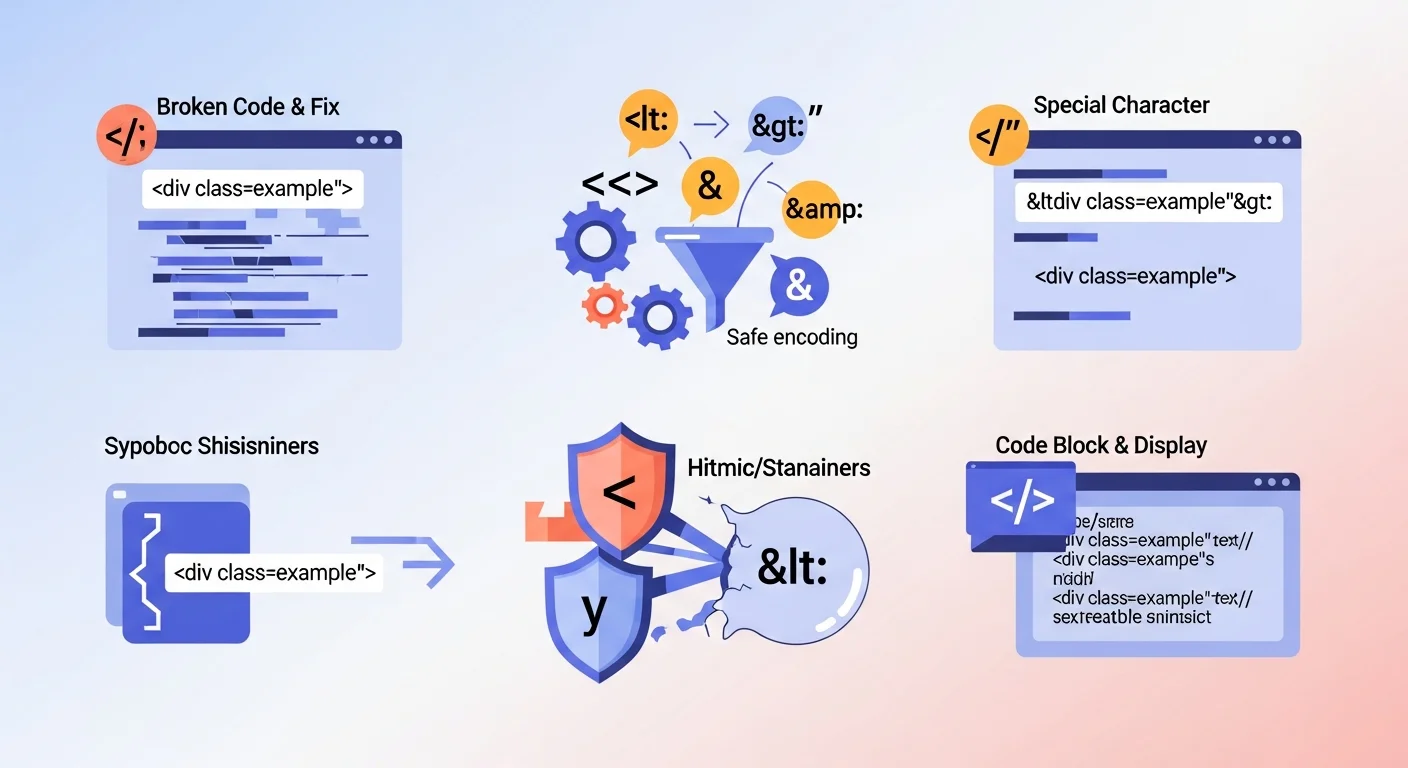
You're writing a blog post that includes code samples. You type <div class="example"> directly in your HTML content. The browser sees that as an actual HTML tag and renders it invisibly — or worse, interprets it as markup that breaks your layout.
The fix is HTML entities: a way to represent characters that have special meaning in HTML as safe, displayable text.
Encode HTML Entities Instantly
HTML Entity Encoder
Live-typing HTML entity encoder and decoder with a quick reference table.
What Are HTML Entities?
An HTML entity is a special sequence of characters that represents a single character in HTML. Every entity starts with & and ends with ;.
The five characters that must be encoded in HTML content:
| Character | Entity Name | Entity Number | What It Means in HTML |
|---|---|---|---|
< |
< |
< |
Start of an HTML tag |
> |
> |
> |
End of an HTML tag |
& |
& |
& |
Start of an entity |
" |
" |
" |
Attribute value delimiter |
' |
' |
' |
Attribute value delimiter |
Any of these appearing unencoded inside HTML content will be misinterpreted by the browser.
Real Examples of Why This Matters
Displaying code examples on a webpage
You want to show: if (a < b && c > d)
Without encoding, the browser sees < b && and > d as potential HTML tags. The display breaks. With encoding:
if (a < b && c > d)
User-generated content and XSS attacks
If your site accepts user input and renders it without encoding, an attacker can inject:
<script>document.cookie = 'stolen';</script>
When another user views that content, the script executes in their browser. This is a Cross-Site Scripting (XSS) attack — one of the most common web vulnerabilities. Encoding all <, >, and " from user input prevents it.
Displaying HTML in attribute values
If a user's name contains a quote: O'Brien. Using it directly in <input value="O'Brien"> doesn't break anything. But in <input value='O'Brien'> — the single quote ends the attribute early.
Common HTML Entities Reference
| Character | Entity | Use Case |
|---|---|---|
| Non-breaking space | |
Prevent line breaks between words |
| Copyright © | © |
Footer copyright notices |
| Registered ® | ® |
Trademark symbols |
| Trademark ™ | ™ |
Trademark symbols |
| Em dash — | — |
Typography in prose |
| En dash – | – |
Number ranges |
| Ellipsis … | … |
Trailing off in text |
| Euro € | € |
Currency symbols |
| Pound £ | £ |
Currency symbols |
| Arrow → | → |
Interface arrows |
| Left quote " | “ |
Typographic quotes |
| Right quote " | ” |
Typographic quotes |
When to Use Entity Names vs Numbers
Both < and < produce the same result (<). Entity names are more readable and memorable. Entity numbers work for any Unicode character, including those without named entities.
For extended characters — foreign letters, mathematical symbols, emoji — use numeric entities:
😀= 😀 (using hex Unicode code point)♠= ♠ (spade suit)
HTML Entities vs URL Encoding
These are related but distinct:
HTML entities encode characters for safe display inside HTML documents. & renders as &.
URL encoding encodes characters for safe inclusion in URLs. %26 represents & in a query string.
URL Encoder/Decoder
Securely encode and decode URLs and data strings.
You often need both: URL-encoded values inside HTML attributes (href, src) need both types of encoding applied correctly.
Security: Encoding and XSS Prevention
Properly encoding all user-generated content before rendering it is the primary defense against XSS. The rule is simple but critical:
Never trust user input. Always encode before rendering.
Context matters for encoding:
- In HTML body text: encode
<,>,& - In HTML attributes: also encode
"and' - In JavaScript strings: use JavaScript escaping, not HTML entities
- In CSS: different encoding rules apply
Most modern frameworks handle this automatically — React, Vue, and Angular escape values by default. But dangerouslySetInnerHTML in React, v-html in Vue, and similar raw HTML directives bypass this protection. Use with extreme caution and always sanitize first.
Frequently Asked Questions
Do I need to encode every special character in HTML?
Only characters that have syntactic meaning in HTML (<, >, &, ", ') are strictly required. Others can be used directly in UTF-8 encoded HTML5 documents. Encoding named typography characters (—, ©) is optional but improves compatibility with older systems.
What's the difference between HTML encoding and HTML escaping?
They mean the same thing — replacing special characters with their entity equivalents to prevent them from being interpreted as HTML syntax.
Does my framework do this automatically?
Modern frameworks (React, Vue, Angular, Django, Rails) escape output automatically in template expressions. Raw HTML insertion bypasses this. Always verify that user-generated content goes through the framework's normal rendering path, not raw HTML injection methods.
How do I decode HTML entities back to plain text?
The HTML entity encoder tool can also decode — paste encoded HTML and it returns the plain text equivalent.
Does FluxToolkit store the content I encode?
No. All encoding runs in your browser. Your content never leaves your device.