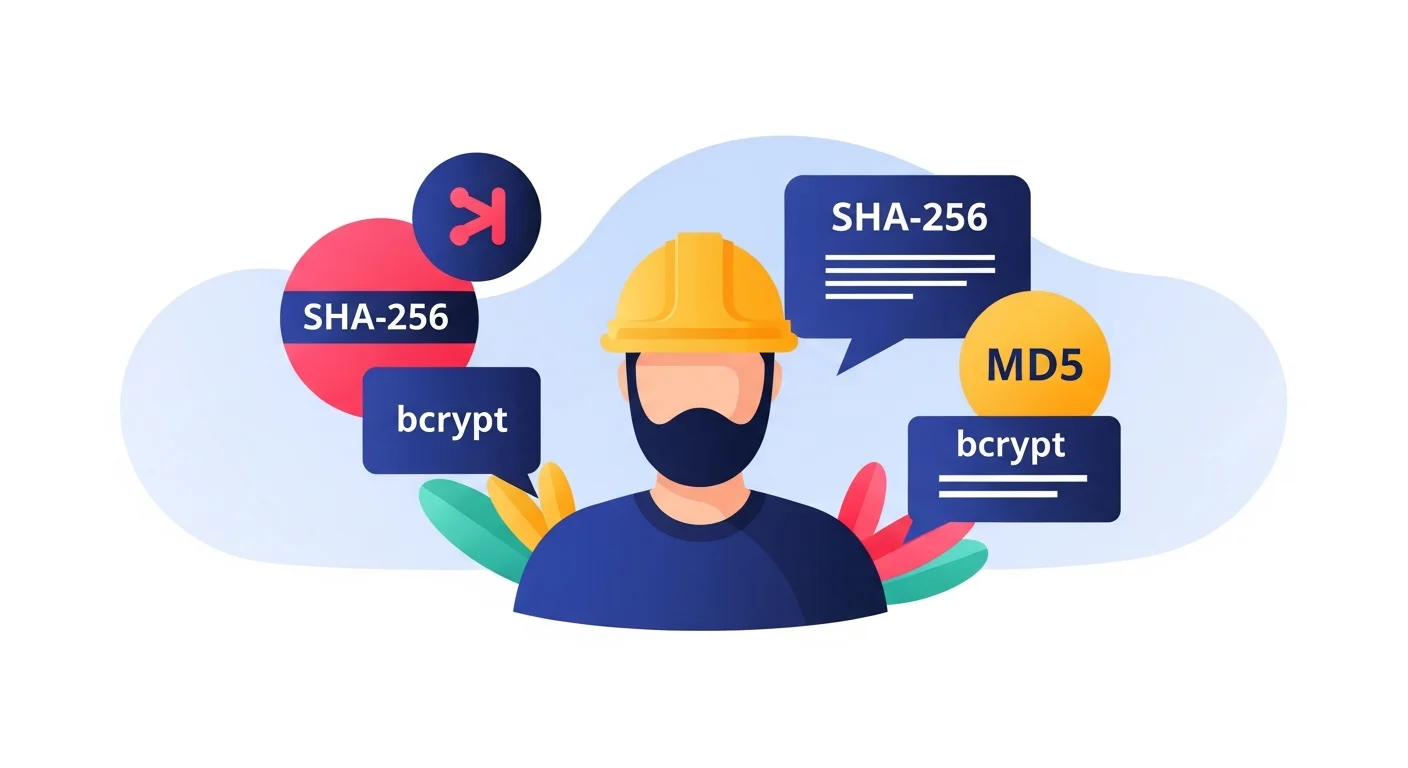
You need to hash something. Maybe a password, a file, an API token, or a data integrity checksum. You've heard of MD5, SHA-256, and bcrypt — but which one should you actually use, and why?
The short answer: it depends entirely on what you're hashing. Using the wrong algorithm for the job is a common and serious security mistake.
Generate Hashes Instantly
SHA-256:
SHA-256 Generator
Generate SHA-256 hashes from text.
MD5:
MD5 Hash Generator
Generate secure MD5 cryptographic hashes for any text.
bcrypt:
bcrypt Hash Generator
Generate and verify bcrypt hashes with custom salt rounds entirely in your browser.
What Is a Cryptographic Hash?
A hash function takes any input (a password, a file, a message) and produces a fixed-length string of characters. It has three critical properties:
- Deterministic — the same input always produces the same hash
- One-way — you cannot reverse a hash to get the original input
- Avalanche effect — changing one character completely changes the hash
These properties make hashes useful for verifying data integrity and storing credentials without keeping plaintext copies.
MD5 — Fast, Broken for Security
MD5 produces a 128-bit (32 character hex) hash:
Input:  "hello world"
MD5:    5eb63bbbe01eeed093cb22bb8f5acdc3
What it's good for:
- Verifying file download integrity (checksums)
- Non-security data deduplication
- Quick content fingerprinting where security isn't needed
Why NOT to use for passwords:
MD5 is extremely fast — designed to process gigabytes of data per second. That speed is catastrophic for password hashing. A modern GPU can compute billions of MD5 hashes per second, making brute-force attacks trivial. Entire rainbow tables of precomputed MD5 hashes for common passwords are publicly available.
Additionally, MD5 has known cryptographic collisions — two different inputs can produce the same hash. For file integrity this is usually acceptable; for security applications it's disqualifying.
Status: ❌ Broken for passwords or security-critical applications. ✅ Fine for checksums and non-security fingerprinting.
SHA-256 — Secure, But Still Too Fast for Passwords
SHA-256 produces a 256-bit (64 character hex) hash:
Input:  "hello world"
SHA-256: b94d27b9934d3e08a52e52d7da7dabfac484efe04294e576b1e8a657
What it's good for:
- Digital signatures and certificates (SSL/TLS)
- Code signing and software integrity
- Blockchain and cryptocurrency (Bitcoin uses SHA-256)
- HMAC authentication signatures for APIs
- Verifying data hasn't been tampered with
Why NOT to use for passwords:
SHA-256 is also extremely fast — purpose-built to process large data volumes efficiently. The same GPU that does billions of MD5 hashes/second can do hundreds of millions of SHA-256 hashes/second. Still far too fast for password hashing.
Status: ✅ Excellent for data integrity, signatures, and MACs. ❌ Wrong choice for storing passwords.
bcrypt — Deliberately Slow, Built for Passwords
bcrypt produces a 60-character string including the algorithm, cost factor, and salt:
Input:  "my_password"
bcrypt: $2b$12$EXAMPLEsalt.EXAMPLEhashEXAMPLEhashEXAMPLEhashEXAMPLE
What makes bcrypt different:
It's intentionally slow. bcrypt has a "cost factor" (also called work factor) — a number that controls how computationally expensive the hash is to compute. At cost factor 10, a single hash takes ~100ms. At cost factor 12, it takes ~400ms. This is slow enough that an attacker trying billions of guesses hits a wall, but fast enough that your server barely notices individual login requests.
It includes a built-in salt. A salt is a random string added to the input before hashing — ensuring that even if two users have the same password, their hashes are different. bcrypt generates and stores the salt automatically.
The cost factor can be increased over time. As hardware gets faster, you can increase the cost factor. Existing hashes remain valid; new hashes are more resistant. No other algorithm offers this future-proofing built in.
Status: ✅ The correct choice for storing user passwords.
The Definitive Comparison
| Property | MD5 | SHA-256 | bcrypt |
|---|---|---|---|
| Output size | 128-bit (32 hex chars) | 256-bit (64 hex chars) | 60 chars (includes salt) |
| Speed | Extremely fast | Very fast | Deliberately slow |
| Built-in salt | ❌ No | ❌ No | ✅ Yes |
| Adjustable cost | ❌ No | ❌ No | ✅ Yes |
| Collision resistance | ❌ Broken | ✅ Strong | ✅ N/A (not collision-based) |
| Use for passwords | ❌ Never | ❌ No | ✅ Yes |
| Use for file integrity | ✅ OK | ✅ Better | ❌ Wrong tool |
| Use for digital signatures | ❌ No | ✅ Yes | ❌ Wrong tool |
| Use for HMAC/API auth | ❌ Weak | ✅ Yes | ❌ Wrong tool |
The Rule of Thumb
If speed is desirable → SHA-256 (or SHA-3)
If speed is dangerous → bcrypt (or Argon2, scrypt)
Passwords need slowness. File checksums need speed. Using the wrong tool in either direction creates problems — security vulnerabilities for passwords, performance problems for data processing.
Privacy Note
Generating hashes of sensitive data — passwords, PII, confidential tokens — through cloud-based tools sends that data to remote servers. FluxToolkit's SHA-256, MD5, and bcrypt generators run entirely in your browser. Your input data never leaves your device.
Frequently Asked Questions
What about SHA-512? Is it better than SHA-256 for passwords?
SHA-512 is stronger than SHA-256 cryptographically, but still too fast for password hashing. The same reasoning applies — use bcrypt, Argon2, or scrypt for passwords regardless of SHA variant.
What is Argon2 and should I use it instead of bcrypt?
Argon2 won the Password Hashing Competition in 2015 and is the modern recommendation. It's more flexible than bcrypt (memory-hard, configurable parallelism) and is now supported in most modern frameworks. If your language/framework supports it, prefer Argon2id over bcrypt for new systems.
Can you decrypt a bcrypt hash?
No. bcrypt is a one-way function — there is no mathematical way to reverse it to get the original password. Authentication works by hashing the input attempt and comparing the result to the stored hash.
Why do some sites still use MD5 for passwords?
Legacy systems. MD5 password storage was common in the early 2000s. Many older applications (including some still in production) were never migrated. This is why credential dumps from older breaches are often cracked quickly.
Does FluxToolkit store the values I hash?
No. All hashing runs in your browser. Your inputs never leave your device.