The Hidden Epidemic of Academic Burnout
When our team was auditing the study habits of over 500 incoming university freshmen last semester, we discovered a striking pattern: the students who struggled the most academically were not necessarily the ones taking the hardest classes. They were the ones who relied on simple list-based calendars or their school's clunky, text-heavy registration portal to manage their time. They could not visually "see" their week, which led to disastrous time-management decisions, overlapping commitments, and severe burnout by midterms.
Building the perfect college semester is a delicate architectural process. You are not just slotting in Biology 101; you are actively designing your weekly energy expenditure. If you stack three heavy STEM lectures back-to-back on a Tuesday without scheduling a dedicated recovery and study block, you are setting yourself up for failure. In this comprehensive guide, we will explore exactly how to use a visual college semester schedule maker to architect a balanced week, implement advanced time-blocking strategies like the 8-8-8 rule, and leverage visual color-coding to maintain control over your academic life.
Why Visual Scheduling Outperforms Traditional Lists
The transition from high school to college brings a radical shift in autonomy. For the first time, you are entirely responsible for allocating the 168 hours in your week. Traditional planners fail because they do not represent time spatially.
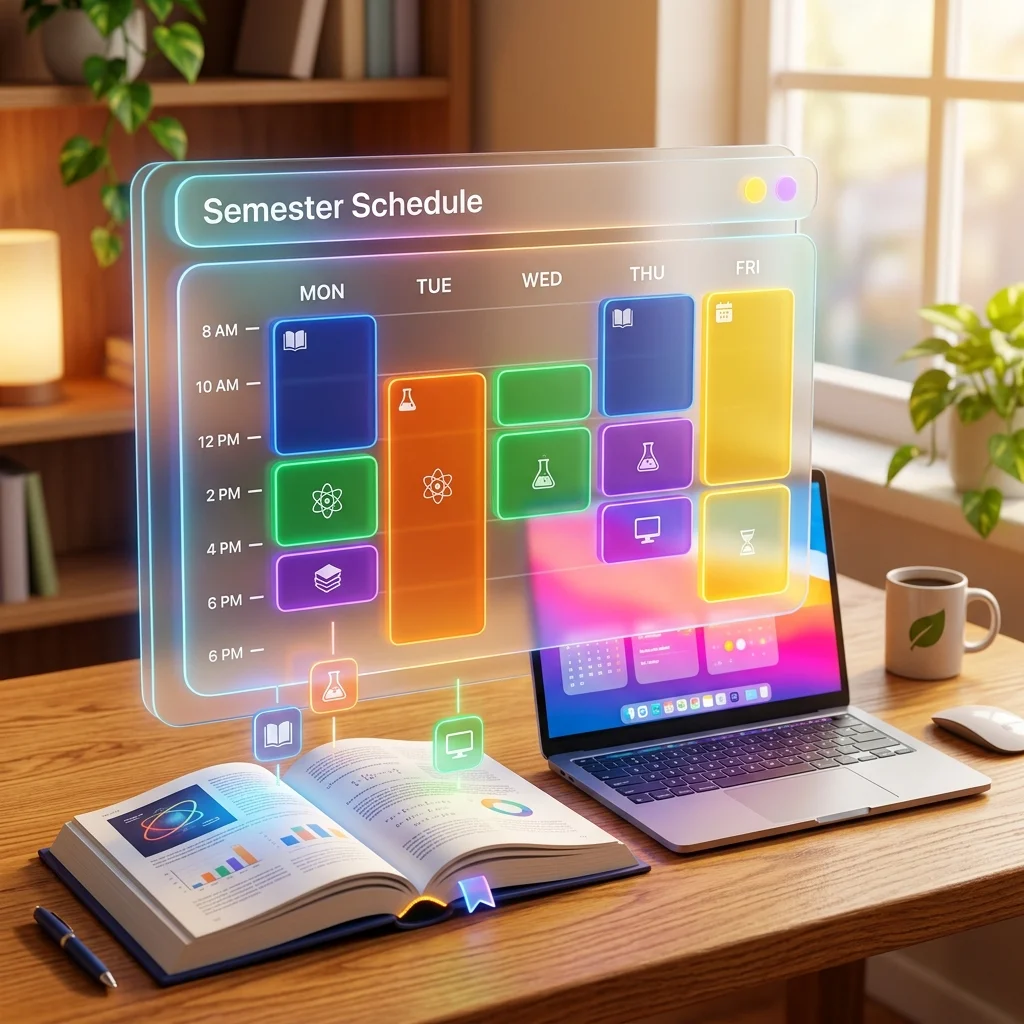
When you use a visual college semester schedule maker, like the one provided for free on FluxToolkit, you transform abstract time into tangible, color-coded blocks. This spatial representation allows your brain to instantly process how much "white space" (free time) you actually have between commitments.
The Contrast: Visual Grids vs. Text Lists
| Feature | Text-Based To-Do Lists | Visual Schedule Grid |
|---|---|---|
| Cognitive Load | High. You have to read and calculate time gaps mentally. | Low. Time gaps are visually represented as empty space. |
| Conflict Detection | Poor. Overlapping events are easily missed in a long text list. | Excellent. Blocks stack side-by-side or trigger warnings. |
| Categorization | Weak. Usually relies on text tags or small icons. | Strong. Uses bold, distinct background colors for each subject. |
| Habit Formation | Inconsistent. Lists change daily and lack routine structure. | Consistent. A weekly grid reinforces repeated behavior patterns. |
| Adaptability | Rigid. Rewriting a paper list is time-consuming. | Fluid. Digital grids allow instant drag-and-drop adjustments. |
By utilizing the FluxToolkit Timetable Maker, you bypass the friction of drawing grids in a physical notebook. Our tool operates entirely in your browser using local storage, meaning your data remains 100% private. You can effortlessly map out a 15-credit semester, color-code your labs versus your lectures, and export a high-resolution PNG to use as your laptop wallpaper—all without creating an account or paying a subscription fee.
Step 1: Gather Your Syllabi and Core Constraints
Before you even open a digital scheduling tool, you must gather all the raw data for your semester. Trying to build a schedule from memory is a guaranteed way to double-book yourself.
- Access Your University Portal: Log into your student portal (e.g., Canvas, Blackboard, or Banner) and print out your official registration summary. You need the exact start and end times, building names, and room numbers.
- Identify Commute Times: A common trap is scheduling a 10:00 AM class in the North Building immediately after a 9:50 AM class in the South Building. Map the physical distance between your classes.
- Establish Non-Negotiables: Before entering academic classes, identify your absolute non-negotiable life blocks. This includes your part-time job shifts, athletic practices, or mandatory organization meetings.
Step 2: Configure the FluxToolkit Timetable Maker
Once you have your raw data, it is time to build the digital infrastructure. We will use the free FluxToolkit Timetable Maker for this process due to its zero-friction UI and privacy-first architecture.
- Navigate to the FluxToolkit Timetable Maker on your desktop browser.
- Click the Settings Gear icon in the top right corner of the tool's toolbar.
- Set the Day Range: If you only have classes on weekdays, select the standard "Monday - Friday" option. If you plan to schedule weekend study sessions or work shifts, toggle the grid to a full 7-day layout.
- Define Operating Hours: Most college students do not need a grid starting at 5:00 AM unless they are on a rowing team. Adjust the start time to 08:00 AM and the end time to 09:00 PM (or later, if you have night classes).
- Set the Interval: Choose a 30-minute or 60-minute interval. A 30-minute interval is highly recommended for college students, as many lectures are 50 or 75 minutes long, and this allows for finer granularity when mapping out your day.
Step 3: Input and Color-Code Your Classes
The psychology of color plays a massive role in visual organization. When you associate a specific color with a specific subject, your brain learns to instantly recognize the emotional and cognitive weight of the upcoming day just by glancing at your schedule.
- Add Your First Class: Click on the empty cell corresponding to Monday at 9:00 AM. The "Add Period" modal will immediately open.
- Fill the Details: Type "Biology 101 Lecture". In the sub-text fields, enter "Prof. Smith" and the room number "Science Hall 304".
- Select a Color: Assign a color based on intensity. We recommend using Warm Colors (Red, Orange, Yellow) for highly demanding STEM classes or subjects you find difficult. Use Cool Colors (Blue, Green, Purple) for humanities, electives, or subjects you find relaxing. For Biology, select a bright red.
- Save and Repeat: Click "Save". The block will snap into the grid. Repeat this process for all your lectures, labs, and recitation sections.
Step 4: Implement Advanced Time-Blocking (The 8-8-8 Rule)
This is where amateur students fail and high-achievers thrive. A schedule consisting only of classes is an incomplete schedule. You must proactively block out your study time and recovery time. A popular framework for this is the 8-8-8 Rule: 8 hours of sleep, 8 hours of work (classes + studying), and 8 hours of personal time.
Blocking Study Sessions
For every 1 hour you spend in a college lecture, you should expect to spend 2 hours studying outside of class. If you are taking 15 credits (15 hours in class), you need to schedule 30 hours of study time throughout the week.
- Click on the empty gaps between your classes.
- Create blocks labeled "Deep Study: Biology" or "Library: Essay Writing".
- Color-code all study blocks with a neutral color, like grey or pale yellow, to differentiate them from mandatory lectures.
- Keep study blocks to a maximum of 90 minutes. After 90 minutes, your cognitive returns diminish drastically.
Blocking Active Recovery
Do not forget to schedule your meals and gym time. If you do not explicitly schedule a lunch break, you will likely work through it and crash by 3:00 PM. Create specific 60-minute blocks for "Lunch/Decompress" and "Gym/Workout". Color-code these green for vitality and recovery.
Best Practices for Semester Planning
To truly master your college semester, you must treat your schedule as a living, breathing document, not just a static picture.
Plan for Transit Buffers
Always leave a minimum of 15 to 30 minutes of white space between commitments. This buffer is not just for walking across campus; it provides vital mental transition time to stop thinking about Calculus and prepare for Literature. If you pack blocks flush against each other, a single 5-minute delay will cause a cascading failure for your entire day.
Front-Load Your Week
If your university allows you to choose your lecture sections, attempt to front-load your most difficult classes to Monday, Tuesday, and Wednesday. Willpower and cognitive energy are highest at the beginning of the week. By Thursday and Friday, you want your schedule to taper off into lighter electives and review sessions, allowing you to transition smoothly into the weekend.
Schedule "Office Hours"
Every professor holds mandatory office hours. Find out when they are and explicitly block them out on your timetable, even if you do not plan to go every week. Label the block "Optional: Office Hours". When midterms approach and you desperately need help, you won't have to scramble to figure out when the professor is available—it will already be seamlessly integrated into your visual map.
Common Mistakes in College Scheduling
Even with the best tools, it is easy to fall into psychological traps when planning your semester. Avoid these three catastrophic mistakes.
Mistake 1: The "I Can Wake Up Early" Fallacy
Incoming freshmen routinely schedule 8:00 AM classes every day, assuming college will be exactly like high school. It is not. The college lifestyle, dorm noise, and late-night study sessions make 8:00 AM classes incredibly difficult to sustain.
The Fix: Unless you are a naturally extreme morning person, avoid scheduling mandatory lectures before 9:30 AM. Use the early morning for quiet, solitary study sessions instead of high-stakes attendance.
Mistake 2: Scheduling Marathon Days
To get a three-day weekend, some students will cram five back-to-back classes into a Tuesday/Thursday schedule, resulting in an 8-hour marathon of continuous lectures. This is cognitive suicide. By the fourth class, your brain will physically be unable to retain new information.
The Fix: Spread your classes out horizontally across the 5-day work week. Short, consistent daily exposure to material drastically improves long-term memory retention compared to binge-learning.
Mistake 3: Treating the Schedule as a Prison
When students create a highly detailed, color-coded schedule, they sometimes feel intense guilt if they deviate from it. If a study block is interrupted by an impromptu dorm event, they abandon the entire schedule, claiming it "doesn't work."
The Fix: Your timetable is a compass, not a prison cell. It exists to guide your baseline behavior. If you miss a study block, simply shift it to a designated "flex time" block on the weekend. Build flexibility into the system.
Frequently Asked Questions (FAQ)
What is the best app for creating a college class schedule?
While there are many dedicated mobile apps like Coursicle, the best approach is often a frictionless web app like the FluxToolkit Timetable Maker. It requires no downloads, no accounts, and allows you to instantly export a high-resolution PDF or PNG image to set as your desktop wallpaper for constant visibility.
How many hours a week should a full-time college student study?
The golden rule in academia is 2 to 3 hours of independent study for every 1 credit hour you are enrolled in. If you are taking a standard 15-credit semester, you should be explicitly blocking out 30 to 45 hours of study time on your weekly schedule to maintain top grades.
Is it better to schedule classes back-to-back or with breaks?
It is generally better to have short, 15-to-30 minute breaks between classes for mental decompression and transit. However, avoid massive 3-hour gaps between classes if you are easily distracted, as many students end up wasting these long, awkward gaps instead of utilizing them for deep study.
Can I share my digital timetable with my roommates or study group?
If you are using the FluxToolkit Timetable Maker, your schedule is stored locally for maximum privacy. To share it, simply click the PDF or PNG export button in the toolbar and send the resulting high-quality image file to your friends via a group chat or email.
Should I schedule my weekends in college?
Yes, but loosely. You should absolutely block out specific times on Saturday or Sunday for laundry, meal prep, and a "Sunday Review" session to prepare for the upcoming week. However, leave large portions of the weekend completely blank to allow for spontaneous socializing and necessary mental recovery.
Start Building Your Perfect Semester Today
Academic success is rarely about raw intelligence; it is almost entirely about systemic time management. By abandoning chaotic text lists and embracing a structured, visually appealing grid, you take absolute control over your cognitive load.
You now have the exact framework required to implement the 8-8-8 rule, color-code your priorities, and avoid the dreaded mid-semester burnout. Do not wait until the night before classes begin to organize your life. Head over to the FluxToolkit Timetable Maker right now, select the "College Semester" template to get a head start, and begin architecting a schedule that works for you, not against you.




