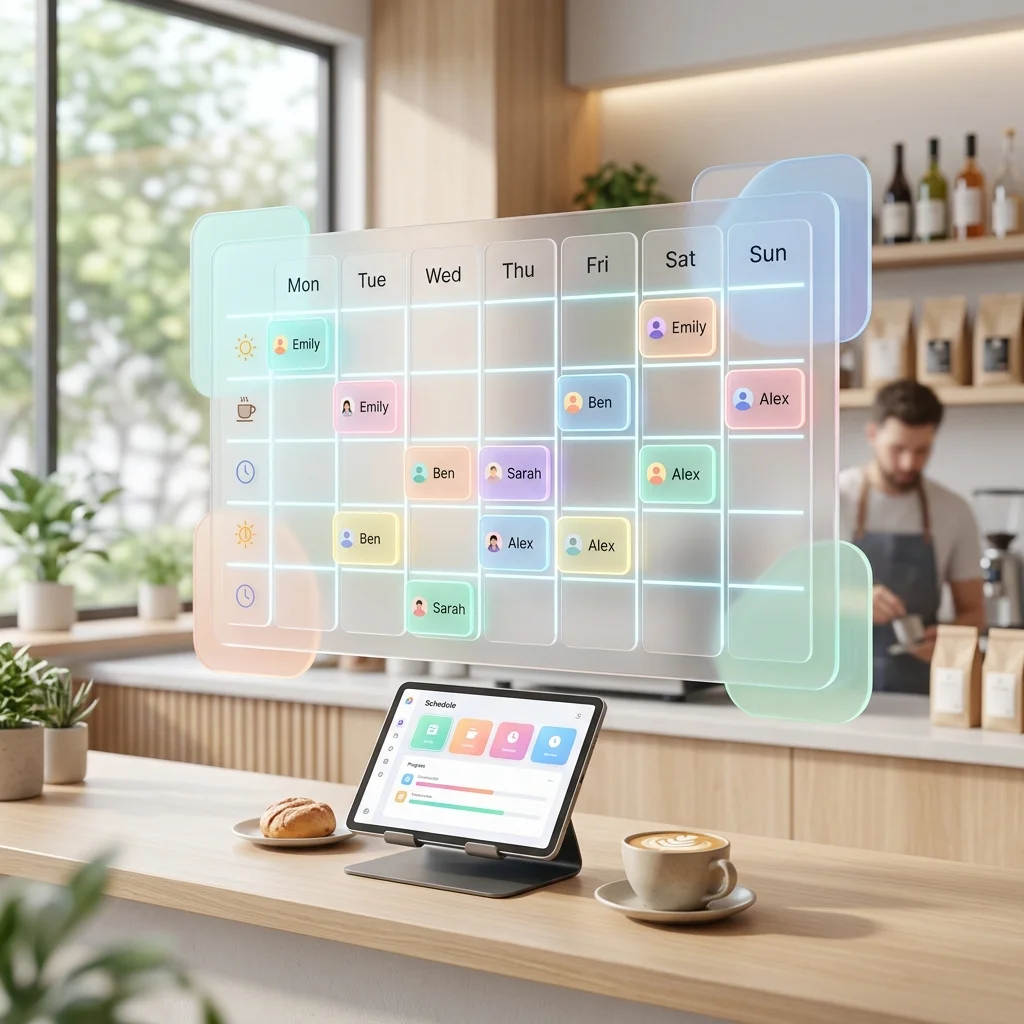
The True Cost of Clunky Spreadsheets
When our consulting team was auditing the daily operations of a regional coffee shop chain last year, we pinpointed a massive operational bottleneck: the store manager was spending over four hours every single Sunday afternoon just trying to build the upcoming weekly shift schedule. She was using a legacy Excel template that had been passed down for years. Formulas were broken, cell borders were misaligned, and whenever an employee requested a last-minute shift swap, the entire spreadsheet had to be painstakingly re-formatted, exported to PDF, and re-emailed to a staff of twenty people.
This is a disastrous waste of managerial resources. Employee scheduling should not require advanced spreadsheet gymnastics. The transition from static, fragile Excel files to dedicated visual tools is essential for any modern small business, retail store, or hospitality venue. In this ultimate guide, we will explore why you must abandon spreadsheets, how to utilize a dedicated employee shift roster maker to build conflict-free schedules in minutes, and the industry best practices for maintaining a happy, well-balanced workforce.
Why Visual Roster Makers Defeat Spreadsheets Every Time
Many small business owners default to Excel or Google Sheets because it is free and familiar. However, spreadsheets were designed for financial modeling and data analysis, not for visual time allocation. When you use a grid originally meant for numbers to map out human shifts, you introduce massive friction into the scheduling process.
When you upgrade to a visual roster maker, like the free tool provided by FluxToolkit, you shift from a data-entry mindset to a spatial-planning mindset.
Spreadsheets vs. Dedicated Shift Planners
| Feature | Excel / Google Sheets | Free Employee Shift Roster Maker |
|---|---|---|
| Visual Clarity | Poor. Relies on tiny text wrapped inside rigid, uniform cells. | High. Shifts are bold, color-coded blocks floating on a timeline grid. |
| Formatting Friction | High. Merging cells to represent a 6-hour shift breaks table structures. | Zero. Drag-and-drop or click-to-add blocks instantly map to time values. |
| Error Potential | Massive. Easy to accidentally double-book an employee in an adjacent cell. | Minimal. Visual overlapping is immediately obvious to the human eye. |
| Mobile Viewing | Disastrous. Employees must pinch and zoom to find their name. | Excellent. Mobile-responsive layouts collapse into readable card stacks. |
| Setup Time | Slow. Requires designing a template from absolute scratch. | Fast. Instantly load pre-built "Work Shift" templates and start typing. |
By utilizing a dedicated visual tool, you are actively reducing the cognitive load required to manage your team. The FluxToolkit Timetable Maker is specifically engineered for this exact use case: it is hyper-fast, requires zero account registration, operates entirely on the client side (ensuring extreme data privacy), and allows you to instantly export a beautiful, unwatermarked PDF to pin up in the employee breakroom.
Step 1: Audit Your Coverage Requirements and Constraints
Before you touch any scheduling software, you must clearly define the operational constraints of your business. A perfect digital schedule is useless if it does not reflect the physical reality of your store's demands.
- Map Your Peak Hours: Analyze your Point of Sale (POS) data to identify your busiest periods. A restaurant might need 5 servers from 6:00 PM to 9:00 PM, but only 2 from 2:00 PM to 5:00 PM. Note these critical coverage gaps.
- Collect Availability Limitations: Gather all time-off requests, vacation days, and standing availability limitations (e.g., "Sarah has college classes on Tuesday mornings") into one master document. Do not rely on sticky notes or text messages.
- Understand Labor Compliance: Depending on your jurisdiction, you may be legally required to provide specific rest periods between closing and opening shifts (commonly known as "Clopening" bans). Note the minimum rest requirements for your state or country.
Step 2: Build the Roster Using the FluxToolkit Maker
With your constraints mapped, it is time to build the actual roster. We will use the free FluxToolkit Timetable Maker due to its zero-friction UI and instant PDF export capabilities.
- Navigate to the FluxToolkit Timetable Maker on your management computer.
- Click the Settings Gear icon in the toolbar.
- Configure the Operating Grid: If your business is open every day, select the full 7-day week option. Set the start and end times to match your operational hours plus opening/closing buffer times. For example, if the store opens at 8:00 AM, set the grid to start at 7:00 AM to account for the opening prep shift.
- Load the Template (Optional): Click the "Templates" dropdown and select the "Work Shift" template to instantly populate the grid with a foundational structure that you can edit, saving you from starting completely from scratch.
Step 3: Input and Color-Code Employee Shifts
The true power of a visual roster maker lies in its color-coding capabilities. By assigning specific colors to specific roles, you can instantly verify that your shift coverage is balanced.
- Click to Add: Click directly on the grid (e.g., Monday at 7:00 AM) to open the shift modal.
- Input Employee Details: In the primary title field, type the employee's name (e.g., "John - Opener"). In the sub-text fields, you can add specific duties like "Register 1" or "Inventory Count".
- Assign Role-Based Colors: Establish a strict color hierarchy for your store.
- Blue = Management / Keyholders
- Green = Front of House / Cashiers
- Red = Back of House / Kitchen Staff
- Yellow = Trainees / Shadowing
- Save and Analyze: Click "Save". The color-coded block will snap onto the grid. As you fill out the week, you can instantly scan the colors to ensure every shift has at least one Blue block (a manager on duty) and sufficient Green blocks (front-line staff).
Step 4: Finalize and Distribute the Roster
A schedule only works if the employees actually read it. Distributing a clean, professional document is critical for compliance and accountability.
- The Visual Audit: Once the grid is full, perform a final visual sweep. Are there any massive white gaps during your known peak hours? Are there too many red blocks stacked on a slow Tuesday morning? Adjust accordingly.
- Export to PDF: Click the PDF export icon in the toolbar. The tool will use a client-side rendering engine to perfectly capture your color-coded grid and instantly download a professional, landscape-oriented, print-ready document.
- Distribute Digitally and Physically: Email or text the PDF file to your staff group chat. Then, print a physical copy and pin it to the breakroom noticeboard. Because the exported PDF is highly legible, there will be zero confusion about who is working when.
Best Practices for Shift Scheduling
To transition from a reactive manager to a proactive leader, you must implement scheduling best practices that prioritize employee well-being alongside operational efficiency.
Publish the Schedule Early
The number one complaint among hourly workers is erratic scheduling. Aim to publish your weekly roster at least 10 to 14 days in advance. Giving employees two weeks of visibility allows them to plan childcare, doctor appointments, and social events, drastically reducing the number of last-minute call-outs and shift swaps you have to manage.
Implement a Strict Shift Swap Policy
Once the PDF is printed and pinned, you must establish a rule: the schedule is final. If an employee wants to drop a shift, it is their responsibility to find a replacement, not yours. They must find coverage, have the covering employee text you for final managerial approval, and only then is the roster officially updated. This shifts the administrative burden off your shoulders.
Balance the "Clopening" Shifts
A "clopening" occurs when an employee works the closing shift late at night, and then is scheduled to work the opening shift early the very next morning. These shifts destroy morale, cause severe sleep deprivation, and lead to high turnover. Actively review your visual roster to ensure there is a minimum of 10 to 12 hours of rest between an employee's shifts.
Common Mistakes in Employee Rostering
Even experienced managers fall into scheduling traps that cost the business money and frustrate the staff. Avoid these three catastrophic mistakes.
Mistake 1: Scheduling by Favoritism
It is natural to want to schedule your best, fastest employees for the busiest weekend shifts. However, if you constantly give the prime shifts (and prime tips) to a select few, the rest of the staff will become resentful and disengaged, leading to high turnover.
The Fix: Rotate the high-volume weekend shifts fairly among the entire capable staff. Use the visual roster to track who worked the prime Friday night shift last week, and ensure someone else gets it this week.
Mistake 2: Ignoring the Weather and Local Events
Copy-pasting the same schedule week after week is a recipe for disaster. If there is a massive parade downtown on Saturday, or if a severe snowstorm is predicted for Tuesday, your standard labor model will fail.
The Fix: Take 5 minutes before building the roster to check the local community calendar and the extended weather forecast. Adjust your staffing levels accordingly before you finalize the PDF.
Mistake 3: Over-Staffing "Just in Case"
Some managers are terrified of being understaffed, so they schedule maximum coverage at all times. This leads to employees standing around doing nothing, which artificially inflates your labor costs and destroys your profit margins.
The Fix: Use the precision of the visual timetable maker to schedule stagger shifts. Instead of having everyone arrive at 9:00 AM, have one person arrive at 9:00 AM, another at 10:30 AM, and another at 12:00 PM precisely when the lunch rush hits.
Frequently Asked Questions (FAQ)
Is it legal to change an employee's shift schedule at the last minute?
Labor laws regarding "predictive scheduling" vary wildly depending on your country, state, or city. Some jurisdictions require employers to provide 14 days' notice of schedule changes, and mandate penalty pay for last-minute alterations. Always consult your local labor department guidelines to ensure compliance.
What is the best free app for creating work schedules?
While there are many complex, subscription-based enterprise tools, the FluxToolkit Timetable Maker is widely considered the best free, lightweight option for small teams. It requires no user accounts, has zero subscription fees, and allows you to instantly export high-resolution, unwatermarked PDFs for distribution.
How do I handle an employee who constantly calls in sick?
Chronic absenteeism requires documentation, not just scheduling workarounds. You must have a clear attendance policy in your employee handbook. If an employee consistently calls out, you must issue formal written warnings. The visual roster can help you track these patterns to see if they always call out on specific days, like Sundays.
Can I share the digital roster with my team directly?
If you use the FluxToolkit Timetable Maker, the data is saved locally on your computer for maximum privacy. To share the schedule, simply click the PDF or PNG export button and send the resulting high-quality file to your team via Slack, WhatsApp, or email.
How many hours should a part-time employee work?
In many regions, part-time status is generally defined as working fewer than 30 to 35 hours per week. Be extremely careful when scheduling part-time staff; if you consistently schedule them for 40 hours, they may legally qualify for full-time benefits like health insurance, depending on your local regulations.
Reclaim Your Sunday Afternoons
Managing a team of hourly employees is stressful enough without fighting a battle against broken spreadsheet formulas. By transitioning to a dedicated, visual shift planner, you eliminate administrative friction, reduce scheduling errors, and improve communication with your staff.
Stop wasting hours formatting Excel borders. Take control of your labor management today. Head over to the FluxToolkit Timetable Maker right now, load up the "Work Shift" template, and build your perfect, color-coded weekly roster in minutes. Your staff—and your sanity—will thank you.




