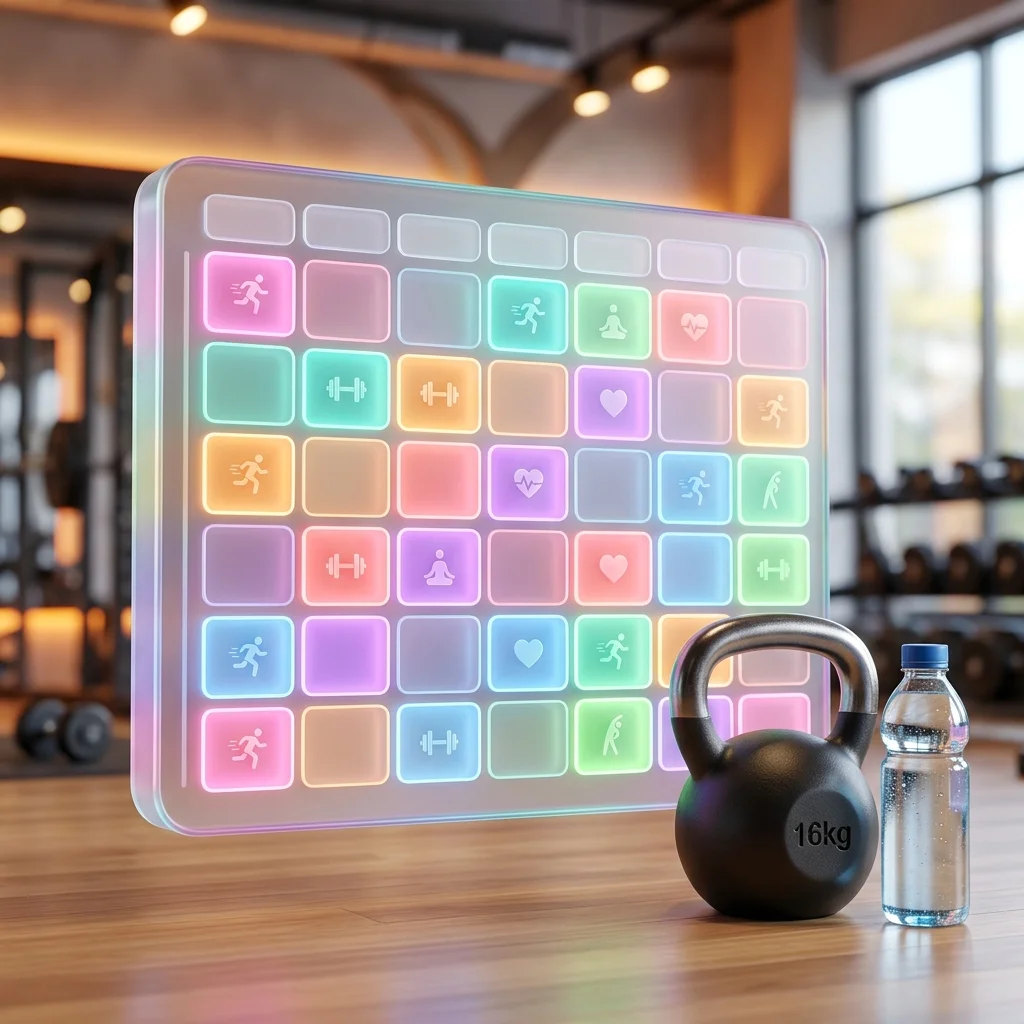
The Psychology of the Visual Fitness Routine
When our fitness team audited the workout habits of 200 new gym members over a 12-week period, the drop-off rate was staggering. By week six, over 70% of participants had abandoned their fitness goals entirely. The root cause was rarely a lack of motivation or physical fatigue; it was decision fatigue. Participants who arrived at the gym without a rigid, visual plan wandered aimlessly between machines, felt intimidated, and eventually stopped showing up altogether.
Conversely, the top 10% of participants who achieved exceptional results all shared a single trait: they did not rely on messy, text-based notes apps or mental checklists. They utilized a highly structured, visual weekly grid that explicitly dictated what muscle group they were training on what specific day. In this comprehensive guide, we will explore the psychology of habit formation, why you must use a visual free workout schedule maker to lock in your consistency, and the precise step-by-step methodology to design a customized gym routine that you will actually follow.
Why Text-Based Workout Logs Fail
If your current workout plan exists as a bulleted list in the Apple Notes app, you are setting yourself up for failure. Text lists do not provide the psychological "anchor" required to build a daily habit. They lack spatial context, making it incredibly easy to skip a day because the list will simply be waiting for you tomorrow.
When you upgrade to a visual fitness schedule, you transform an abstract concept ("I need to work out") into a concrete, unavoidable time block.
Visual Routine Builders vs. Mobile Notes Apps
| Feature | Standard Notes App | Visual Free Workout Schedule Maker |
|---|---|---|
| Psychological Commitment | Low. Easy to ignore or delete. | High. A physical grid creates a sense of required daily completion. |
| Rest Day Tracking | Non-existent. Hard to visualize recovery gaps. | Excellent. Blank or colored blocks visually map recovery periods. |
| Split Balancing | Difficult. Requires scrolling to see if you hit all muscle groups. | Instant. Color-coding allows you to verify a balanced Push/Pull/Legs split. |
| Friction | High. Typing out exercises on a tiny phone screen is tedious. | Low. Click-to-add grid blocks are fast and intuitive. |
| Accessibility | Requires unlocking phone and opening app. | Export as a PNG and set as your smartphone lock screen wallpaper. |
By utilizing the free FluxToolkit Timetable Maker as your fitness planner, you bypass the complexity of paid subscription apps. Our utility requires no account registration, operates entirely within your local browser for maximum privacy, and allows you to instantly export a beautiful, unwatermarked image to keep on your phone or print out for your gym bag.
Step 1: Define Your Macro Training Split
Before you touch any scheduling software, you must define the macro-architecture of your fitness routine. You cannot randomly assign exercises to days; you need a structured "split."
- Assess Your Commitment Level: Be brutally honest with yourself. Can you commit to the gym 3 days a week, 4 days, or 6 days? Do not plan a 6-day split if you are a busy professional. A highly consistent 3-day split will always yield better results than an inconsistent 6-day split.
- Choose the Framework: Select a proven training split based on your commitment level.
- 3 Days/Week: Full Body Split (e.g., Monday, Wednesday, Friday).
- 4 Days/Week: Upper / Lower Split (e.g., Upper on Mon/Thu, Lower on Tue/Fri).
- 6 Days/Week: Push / Pull / Legs (PPL) Split.
- Identify Active Recovery: Dedicate specific days to complete rest or "active recovery" (light walking, yoga, or stretching). Recovery is when the muscle actually grows.
Step 2: Build the Routine Using the FluxToolkit Maker
With your macro split defined, it is time to build the digital architecture. We will use the FluxToolkit Timetable Maker due to its color-coding capabilities and high-resolution PNG export.
- Navigate to the FluxToolkit Timetable Maker on your desktop browser.
- Click the Settings Gear icon in the toolbar.
- Configure the Week: Select the full 7-day grid option, as fitness routines span the entire week, including weekend recovery.
- Set the Timeframe: If you work out in the morning, set the grid to start at 5:00 AM. If you are an evening lifter, set it to 5:00 PM to 9:00 PM.
- Load the Template (Optional): Click the "Templates" dropdown and select the "Gym Routine" template to populate the grid with a foundational Push/Pull/Legs structure, saving you setup time.
Step 3: Input and Color-Code Your Workouts
Color psychology is critical for adherence. When you look at your lock screen and see a bold red block, your brain instantly recognizes that it is time for heavy lifting.
- Add Your First Block: Click on the grid at your designated workout time (e.g., Monday at 6:00 AM). The "Add Period" modal will open.
- Input Session Details: In the primary title field, type the main focus (e.g., "PUSH DAY: Chest & Triceps"). In the sub-text fields, you can list your primary compound movements like "Bench Press, Overhead Press, Dips".
- Assign Intensity-Based Colors: Establish a strict color hierarchy for your routine.
- Red/Orange = Heavy Compound Lifting (Leg Day, Push, Pull)
- Blue = Cardiovascular Endurance (Running, Cycling)
- Green = Active Recovery (Yoga, Stretching)
- Yellow = Core & Mobility Work
- Save and Analyze: Click "Save". As you fill out the week, instantly scan the colors to ensure your routine is balanced. If you see four red blocks in a row without a single green block, you are overtraining and must insert a rest day.
Step 4: Export and Anchor Your Habit
A schedule is useless if you do not look at it. You must place the visual routine in locations where you cannot physically ignore it.
- Export to PNG: Click the Image (PNG) export icon in the toolbar. The tool will perfectly render your color-coded grid and download a high-resolution image file.
- The Smartphone Anchor: Send this image to your phone and set it as your lock screen wallpaper. According to habit research, you look at your phone over 100 times a day. You will now be subconsciously reminded of your fitness commitment 100 times a day.
- The Physical Anchor: Click the PDF or Print icon to generate a landscape document. Print a physical copy and tape it directly to your bathroom mirror or the door of your refrigerator.
Best Practices for Gym Scheduling
To transform your visual schedule from a digital grid into a permanent lifestyle change, you must implement these adherence strategies.
Schedule Your Pre-Workout Meal
Nutrition is just as critical as the workout itself. If you are lifting heavy at 6:00 PM, you cannot run on an empty stomach. Use the timetable maker to schedule a specific 15-minute block at 4:30 PM labeled "Pre-Workout Carb Snack". This ensures you have the glycogen required to actually execute the planned workout.
Employ the 2-Day Rule
Perfectionism kills consistency. If you miss a scheduled workout on Tuesday, do not abandon the entire week's schedule out of frustration. Implement the "2-Day Rule": you are allowed to miss one day due to life circumstances, but you absolutely cannot miss two scheduled days in a row. Shift the missed workout to your next flex day and keep moving forward.
Log the Actual Weights Separately
The visual timetable maker is designed to dictate when you go and what muscle group you train. It is not designed to track the micro-details of how many pounds you lifted for 8 reps. Use the visual grid as the macro-architectural plan, and use a simple notebook or a dedicated tracking app (like Hevy or Strong) on the gym floor to log your specific numbers for progressive overload.
Common Mistakes in Fitness Planning
Even highly motivated individuals fall into planning traps that sabotage their gains and lead to injury. Avoid these three catastrophic mistakes.
Mistake 1: The "I'll Go When I Have Time" Fallacy
If you do not explicitly schedule your workout on the grid, you will never have time for it. Work, social media, and Netflix will instantly expand to fill any undefined white space in your day.
The Fix: Treat your scheduled gym block with the exact same unyielding respect as a meeting with your boss or a doctor's appointment. It is non-negotiable.
Mistake 2: Ignoring Travel and Prep Friction
If your gym is a 20-minute drive away, scheduling a 60-minute workout from 5:00 PM to 6:00 PM is a mathematical impossibility. You must account for the friction of changing clothes, driving, and showering.
The Fix: When building your schedule in the Timetable Maker, block out the entire required duration. If the workout is 60 minutes, the scheduled block should be 90 minutes to account for total transit and hygiene time.
Mistake 3: Zero Program Variation
If your visual schedule looks identical for 16 weeks straight, your central nervous system will adapt, and your muscle growth will plateau. Furthermore, you will die of absolute boredom.
The Fix: Every 6 to 8 weeks, use the Timetable Maker to design a new "mesocycle". Change the exercises, alter the rep ranges, or switch from a 3-day split to a 4-day split to provide a novel stimulus to the muscles.
Frequently Asked Questions (FAQ)
What is the best free app to create a workout schedule?
For creating a highly visual, macro-level weekly routine, the FluxToolkit Timetable Maker is the best free option because it requires no sign-ups and exports directly to a high-res lock screen image. For micro-level tracking (logging sets and reps on the gym floor), dedicated apps like Hevy or Fitbod are highly recommended.
How many rest days should I schedule per week?
The absolute minimum is one full rest day per week to prevent central nervous system fatigue and muscle breakdown. However, beginners should explicitly schedule two to three rest days or active recovery days (like light walking or yoga) to allow tendons and joints time to adapt to the new mechanical stress.
Should I do cardio before or after lifting weights?
If your primary goal is building muscle and strength, you should always schedule your heavy lifting first, while your glycogen stores and energy levels are highest. Schedule your cardio for after the lifting session, or dedicate entirely separate days to cardiovascular endurance on your timetable.
Is it better to work out in the morning or the evening?
Physiologically, it does not matter. The best time to work out is the time you can adhere to most consistently. If you are exhausted after work and constantly skip evening sessions, you must force yourself to schedule morning blocks. Consistency will always beat optimal timing.
Can I share my gym schedule with my workout partner?
Yes! Accountability drastically improves adherence. Once you have built your routine in the Timetable Maker, click the PNG export icon and send the image file to your gym partner via text. Because the data is processed locally on your device, it is fast, secure, and easily shareable.
Architect Your Physical Transformation Today
Stop relying on fleeting motivation and messy digital notes to guide your fitness journey. By transitioning to a structured, color-coded visual schedule, you eliminate decision fatigue and lock in the consistency required to fundamentally transform your physique.
Do not let another week slip by aimlessly. Take absolute control of your physical health today. Head over to the FluxToolkit Timetable Maker right now, load up the "Gym Routine" template, and build the visual schedule that will finally get you to your goals.




