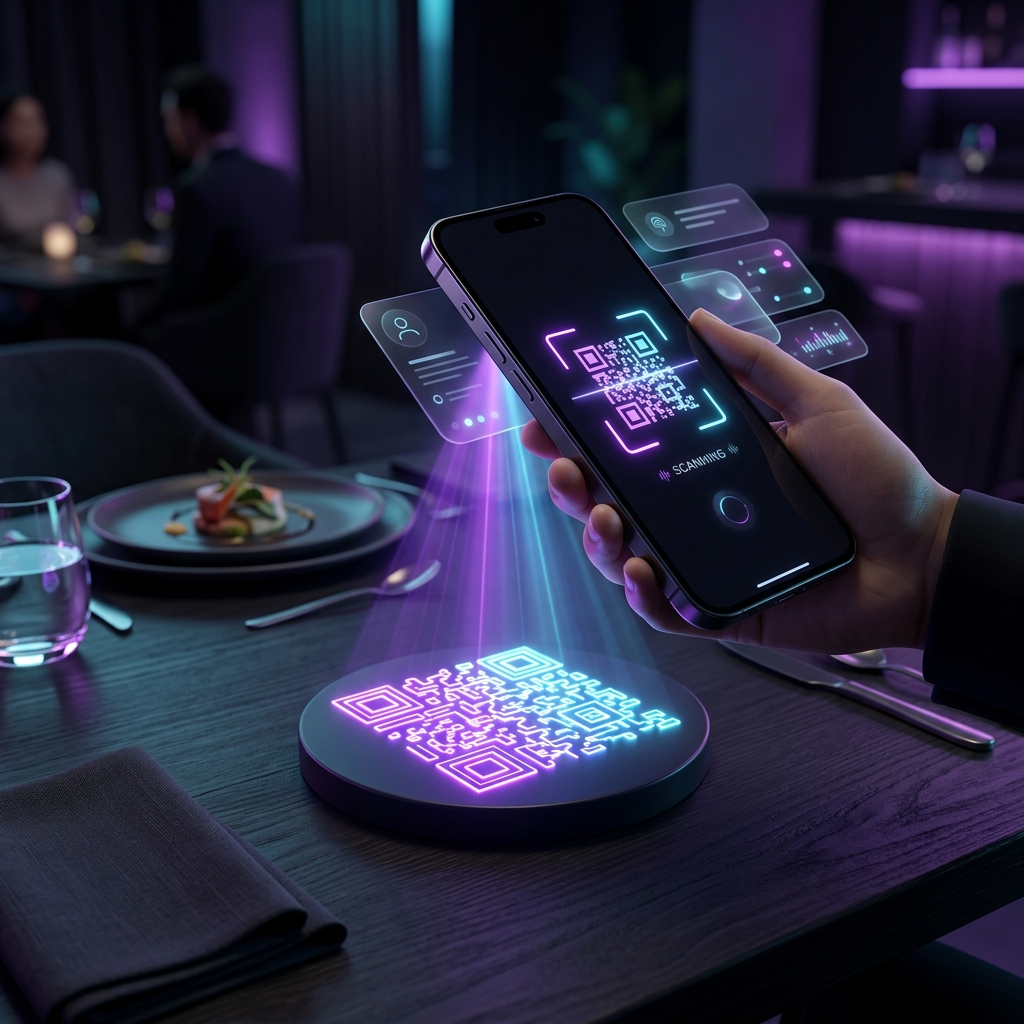
The restaurant industry has undergone a massive digital transformation, and the physical, printed menu is rapidly becoming a thing of the past. If you run a cafe, bar, or restaurant, offering a digital menu through a QR code is no longer just a trend—it is an expectation.
Digital menus save printing costs, allow for instant price updates, and provide a sanitary, contactless experience for your diners. In this guide, we will walk you through exactly how to create a digital menu QR code for your restaurant entirely for free.
Why Your Restaurant Needs a Digital Menu QR Code
Transitioning to a digital menu offers several massive advantages over traditional printed menus:
- Zero Reprinting Costs: Traditional menus require expensive reprinting every time you change a price, add a seasonal dish, or remove an out-of-stock item. With a digital menu, you simply update the PDF or webpage, and the QR code instantly points to the new version.
- Contactless and Sanitary: Post-pandemic diners appreciate the hygiene of not having to handle physical menus that have been touched by hundreds of other patrons.
- Faster Table Turnovers: Customers can scan the code and start deciding what to order the second they sit down, rather than waiting for a server to bring them physical menus.
- Rich Media: A digital menu allows you to link to high-quality photos of your dishes, allergen information, and even online ordering systems.
Step 1: Host Your Menu Online
Before you can generate a QR code, your menu needs to exist somewhere on the internet. A QR code is simply a scannable link to a URL.
There are two common ways to host your menu:
- Host a PDF on your website: If you have a beautifully designed PDF menu, upload it to your website's media library (or Google Drive/Dropbox) and get the direct public link to the file. (Need to merge multiple PDF pages first? Use our free PDF Merge tool).
- Create a dedicated Menu Page: If you have a website (like WordPress, Squarespace, or Wix), create a mobile-optimized webpage listing your items and prices.
Once you have the direct URL to your menu, you are ready to create the QR code.
Step 2: Generate the Digital Menu QR Code
To create your code, you will use a free, browser-based generator. Many "Free QR Generators" trick you into signing up for a 7-day trial, and then they deactivate your code if you don't pay.
To ensure your code never expires and remains completely free, use the FluxToolkit QR Code Generator.
How to use the tool:
- Open the QR Code Generator.
- Paste the URL of your hosted menu into the input field.
- The QR code will generate instantly on your screen.
- Click Download to save the QR code as a high-resolution PNG image.
This generates a Static QR Code, which means the code itself contains the direct link to your URL and will never expire, require a subscription, or stop working.
Best Practices for Printing and Displaying Your QR Code
Generating the code is only half the battle. If customers can't scan it, the digital menu fails. Follow these 4 essential printing rules:
1. Maintain High Contrast
Always print your QR code as a dark color (preferably black) on a light background (preferably white). If you invert the colors (white code on a black background), many older smartphone cameras will fail to scan it.
2. Size Matters
For table tents or stickers placed directly in front of the customer, the QR code should be at least 1.2 x 1.2 inches (3 x 3 cm). If you are placing the QR code on a poster or window where the customer is scanning from several feet away, the code needs to be exponentially larger.
3. Provide a Call to Action
Do not just print a standalone QR code on a table. Provide clear instructions. Add text above or below the code that says: "Scan to View Our Menu" or "Point your phone camera here to order."
4. Test Before Printing in Bulk
Before sending your files to a professional printer, print one copy on a standard office printer. Test scanning it with both an iPhone and an Android device to ensure the link opens smoothly.
5 Common Mistakes Restaurants Make with QR Codes (And How to Avoid Them)
While implementing a digital menu seems foolproof, many restaurants make critical errors that frustrate customers and hurt the dining experience. Avoid these five common pitfalls:
1. Using a PDF that isn't Mobile-Friendly
The biggest mistake restaurant owners make is uploading a massive, multi-column dinner menu designed for an 8.5x11 inch piece of paper, and forcing customers to view it on a 6-inch smartphone screen. This requires the customer to constantly pinch, zoom, and pan around the document just to read the appetizers.
The Fix: If you are using a PDF, redesign it to be a single, long-scrolling column with a large font size. Alternatively, use a dedicated, responsive webpage that automatically adjusts to the user's screen size.
2. Relying on "Dynamic" QR Code Subscriptions
As mentioned earlier, many "free" QR code generators online are actually generating Dynamic QR codes. These codes route the user through the generator's tracking servers before redirecting them to your menu. When your 14-day free trial expires, the generator breaks the link, and your printed QR codes become useless squares of plastic.
The Fix: Always generate a Static QR Code. Static codes encode the raw URL directly into the pixels of the image. Because it doesn't rely on a middleman server, it can never expire.
3. Placing the Code in Bad Lighting
A QR code requires a sharp contrast between the black squares and the white background for a camera to recognize it. If you place a small table tent in a dimly lit, romantic corner booth, older smartphone cameras will struggle to focus on it.
The Fix: If your restaurant is dark, ensure the QR code is printed relatively large, and place it in areas where ambient light from candles or overhead lamps can illuminate it.
4. Not Offering Guest Wi-Fi
A QR code is useless if the customer has no cell service inside your building. Thick concrete walls or underground basements frequently block 5G/LTE signals. If a customer scans the code but their browser says "No Internet Connection," they cannot view the menu.
The Fix: If you have poor cellular reception in your dining room, you must provide a free, clearly labeled Guest Wi-Fi network. You can even generate a second QR Code specifically for the Wi-Fi! (Yes, our QR Code Generator can create codes that automatically connect users to a Wi-Fi network without typing a password).
5. Completely Removing Physical Menus
While digital menus are the future, going 100% digital alienates certain demographics. Elderly patrons, customers with dead phone batteries, or individuals without smartphones will feel embarrassed or frustrated if they cannot order.
The Fix: The digital menu should supplement the physical menu, not replace it entirely. Always keep 5 to 10 high-quality physical menus at the host stand to offer patrons who prefer a traditional dining experience.
Frequently Asked Questions
Do I have to pay monthly for a digital menu QR code?
No! If you use a standard URL and a free generator like the FluxToolkit QR Code Generator, you will never have to pay a subscription fee. Beware of "Dynamic QR Code" providers that charge monthly fees to keep your code active.
How do I update the menu if the QR code is already printed?
If you used a Static QR code pointing to a specific URL (e.g., yoursite.com/menu), simply update the webpage at that exact URL. The printed QR code will continue to point to that address, and customers will automatically see the new content.
What if my customers don't know how to scan a QR code?
Modern iOS and Android smartphones have QR code scanners built natively into their default camera apps. However, it is always a good idea to keep a small stack of printed physical menus on hand for elderly customers or those with dead phone batteries.
Ready to modernize your restaurant? Generate your free, permanent digital menu code today using our QR Code Generator.




