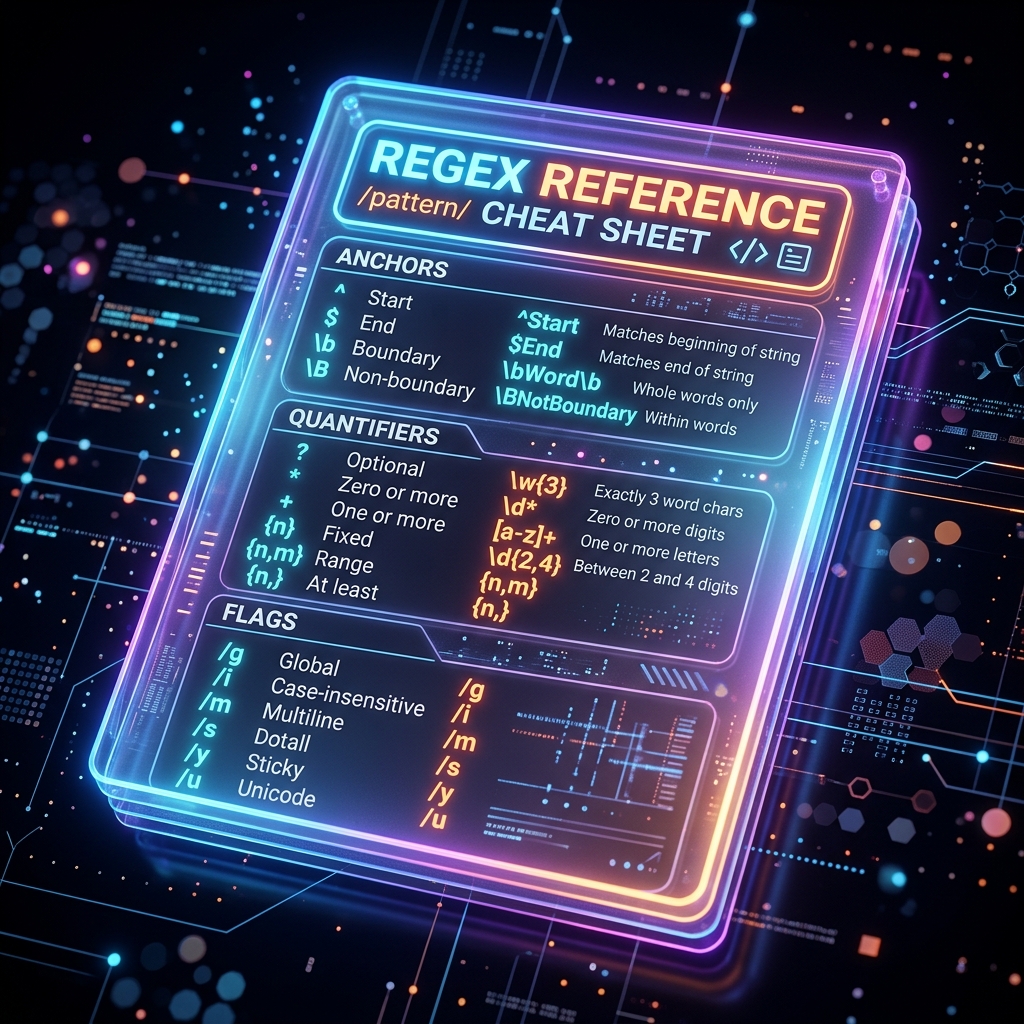
Regular expressions are incredibly powerful, but their syntax is famously difficult to memorize. Unless you write regex every single day, you will inevitably forget whether \w matches numbers, or how to write a negative lookbehind.
This cheat sheet serves as a rapid-reference guide for the standard PCRE (Perl Compatible Regular Expressions) syntax used in JavaScript, Python, PHP, and Java.
Keep this tab open, and whenever you need to debug a pattern, jump over to the free Regex Tester to evaluate it in real-time.
1. Anchors and Boundaries
Anchors do not match characters; they match positions within the string.
| Syntax | Description | Example | Matches |
|---|---|---|---|
^ |
Start of string | ^A |
"Apple", but not "Cat" |
$ |
End of string | Z$ |
"XYZ", but not "XY" |
\b |
Word boundary | \bcat\b |
"the cat sat", not "catalog" |
\B |
Not a word boundary | \Bcat\B |
"scatters", not "cat" |
2. Character Classes
Shortcuts to match specific types of characters.
| Syntax | Description | Example |
|---|---|---|
. |
Any character (except newline) | a.c matches "abc", "a1c" |
\d |
Any digit (0-9) | \d\d matches "42" |
\D |
Any NON-digit | \D matches "A", "@", " " |
\w |
Any word character (a-z, A-Z, 0-9, _) | \w+ matches "User_1" |
\W |
Any NON-word character | \W matches "!", " ", "-" |
\s |
Any whitespace (space, tab, newline) | \s matches " " |
\S |
Any NON-whitespace | \S matches "A", "1" |
3. Custom Character Sets
Define exactly which characters you want to match.
| Syntax | Description | Example |
|---|---|---|
[abc] |
Matches a, b, or c | [b-d] matches "b", "c", "d" |
[^abc] |
Matches anything EXCEPT a, b, or c | [^0-9] matches any non-digit |
[a-z] |
Any lowercase letter | [a-zA-Z] matches any letter |
[0-9] |
Any number (same as \d) |
[a-z0-9] alphanumeric |
4. Quantifiers
Define how many times a character or group should be repeated.
| Syntax | Description | Example | Matches |
|---|---|---|---|
* |
Zero or more times | a* |
"", "a", "aaaa" |
+ |
One or more times | a+ |
"a", "aaaa" (not "") |
? |
Zero or one time (Optional) | a? |
"", "a" |
{n} |
Exactly n times |
a{3} |
"aaa" |
{n,} |
n or more times |
a{2,} |
"aa", "aaaa" |
{n,m} |
Between n and m times |
a{2,4} |
"aa", "aaa", "aaaa" |
Greedy vs. Lazy Quantifiers
By default, * and + are Greedy (they match as much text as possible). Append ? to make them Lazy (match as little text as possible).
- String:
<div>Hello</div> - Greedy
<(.*)>matches:div>Hello</div - Lazy
<(.*?)>matches:div
5. Groups and Alternation
Group logic together or provide "OR" conditions.
| Syntax | Description | Example |
|---|---|---|
(abc) |
Capture Group: Groups multiple tokens together and extracts the match. | (https?):\/\/ captures "http" |
(?:abc) |
Non-Capturing Group: Groups tokens without extracting the match (saves memory). | (?:www\.)? |
a|b |
Alternation (OR): Matches 'a' or 'b'. | cat|dog matches "cat" or "dog" |
\1 |
Backreference: Matches the exact text captured by Group 1. | (['"]).*?\1 matches "text" |
6. Lookarounds (Advanced)
Match a pattern only if it is preceded or followed by another pattern (without including it in the final match).
| Syntax | Description | Example |
|---|---|---|
(?=...) |
Positive Lookahead: Must be followed by. | q(?=u) matches "q" in "queen" |
(?!...) |
Negative Lookahead: Must NOT be followed by. | q(?!u) matches "q" in "qatar" |
(?<=...) |
Positive Lookbehind: Must be preceded by. | (?<=\$)\d+ matches "10" in "$10" |
(?<!...) |
Negative Lookbehind: Must NOT be preceded by. | (?<!\$)\d+ matches "10" in "£10" |
7. Common Modifiers (Flags)
Flags change how the regex engine evaluates the entire string. They are usually placed at the end of the pattern (e.g., /pattern/g).
g(Global): Returns all matches in the string, rather than stopping after the first match.i(Case Insensitive): Makes[a-z]match both "a" and "A".m(Multiline): Changes the behavior of^and$to match the start and end of every line in a string, rather than the start and end of the entire text block.
Debug Your Syntax Live
Reading a cheat sheet is only half the battle. Regular expressions are notoriously difficult to debug in your head.
Whenever you are unsure if your capture group is working, or if your quantifier is being too greedy, copy your pattern and drop it into the free FluxToolkit Regex Tester. It instantly highlights matches, breaks down capture groups, and helps you identify syntax errors safely within your browser.




